Apps
Is online palm reading safe? What to check before you upload
Quick answer
It depends on the site. Palm prints count as biometrics, and photos can carry location data. Check who gets your photo, what is kept and how to delete it. PalmSays is our own product, so check us too.
The full guide: How to read palm lines

PalmSays is our own product. We wrote this post, so check our answers too.
Key takeaways
- Palm prints count as biometrics, and photos can carry location data.
- Ask who gets your photo, what is kept and how to delete it.
- A palm reading never needs your OTP or bank details.
- PalmSays is our own product, so ask us the same questions.
On this page7 sections
What can a palm photo reveal?
More than your lines, so it deserves some thought. Most of the risk comes from three things.
- Your skin’s ridges. The FBI lists palm prints among biometrics, along with fingerprints, irises and faces. It has run a searchable National Palm Print System since May 2013. So a clear palm is a kind of identity, not only a picture.
- Where you were. Photos can carry hidden Exif data. A photo from a phone with GPS can reveal the exact place and time it was taken, and many people don’t know this happens by default.
- What you type next. Many sites also ask for your name, birth details or email. Each one adds to what a site holds about you.
How worried should you be? We can’t put a number on it. In 2014 a hacker claimed to have copied a politician’s thumbprint using pictures taken with a standard camera at a press event (BBC). That was a claim about a thumb, not a palm. We have not tested the idea on palm photos.
So the sensible position sits between panic and ignoring it. Don’t assume a palm photo is harmless. Don’t assume it is stolen the moment it leaves your phone. Find out who holds it.
Can a privacy promise turn out to be false?
Yes, and a photo app shows how. In 2021 the US Federal Trade Commission settled with Everalbum, the maker of a photo storage app. According to EPIC’s account of the complaint, the company said face recognition would stay off unless users chose it, yet for most users it was on and couldn’t be turned off.
The case also covered photos and videos kept after users deactivated their accounts. The order required the company to delete the face recognition technology it had built from those users’ pictures.
Everalbum was not a palm reading site. It is here for one reason: a promise on a page is only a start. Prefer a site that says specific things you could catch it out on, such as named companies and a delete button you can try.
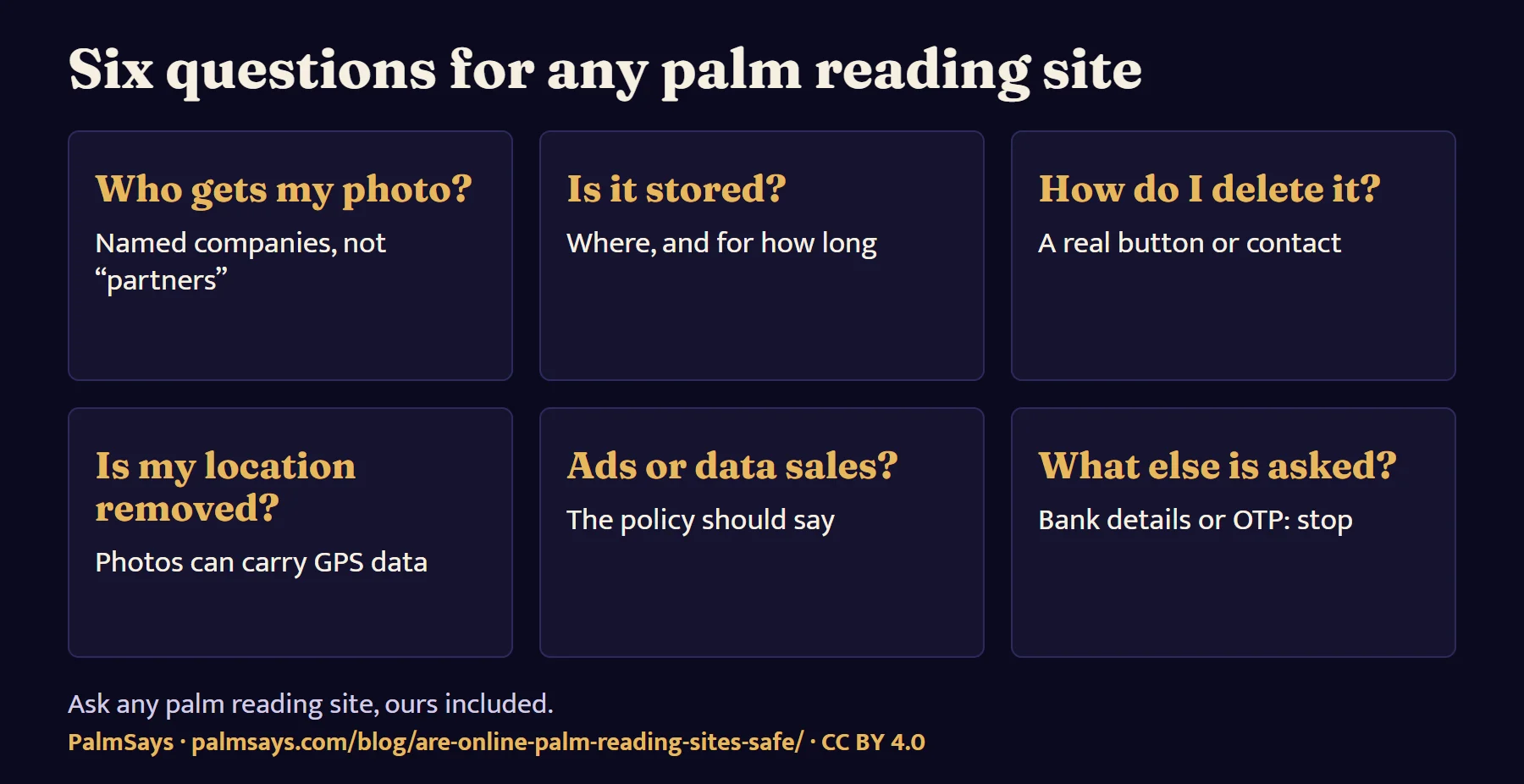
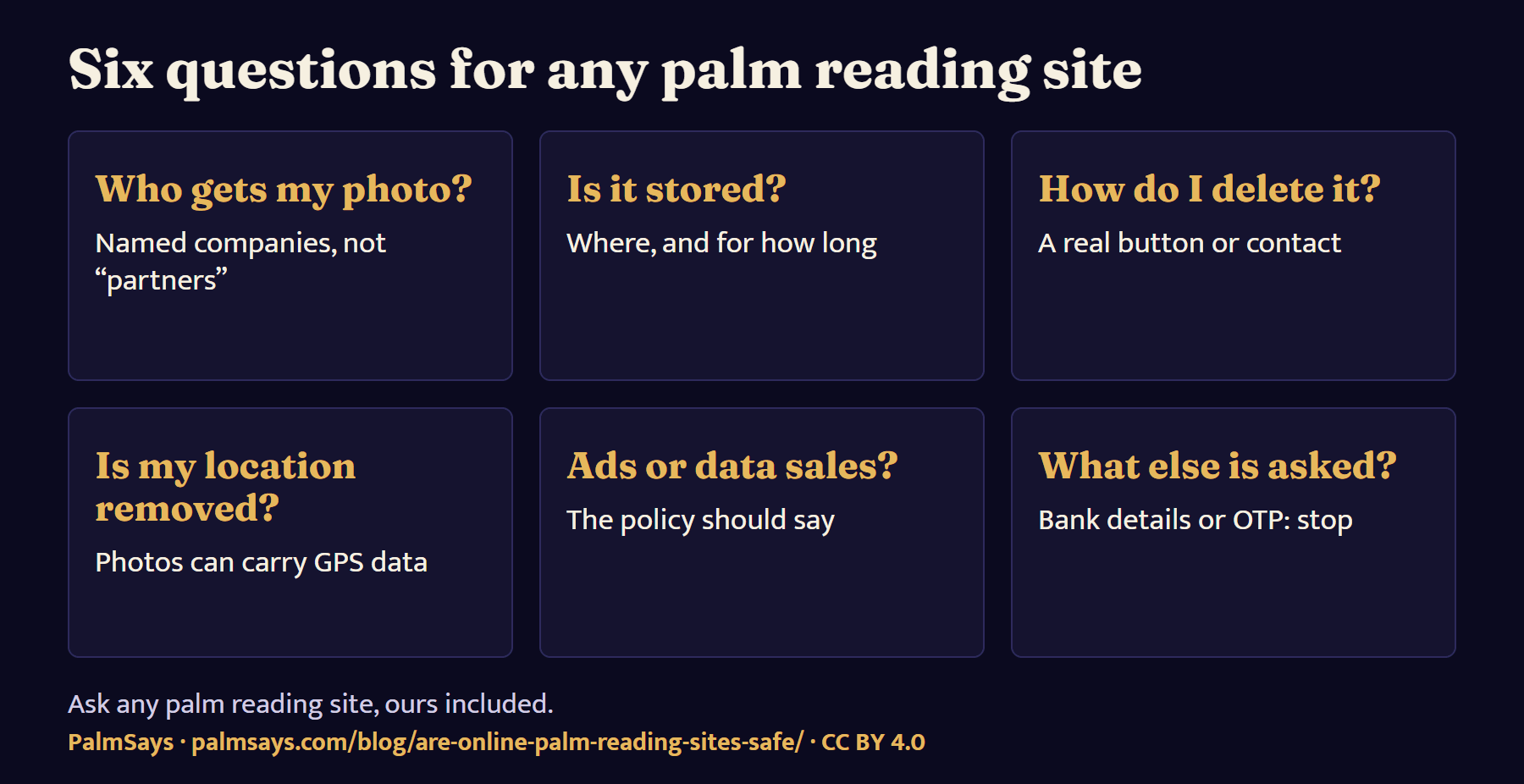
What six questions should you ask any palm reading site?
Ask these before you upload, on any site or app. If the privacy page gives no clear answer, count that as a no.
- Who gets my photo? Look for named companies and a country. “Trusted partners” tells you nothing.
- Is it stored? Ask where it is stored, for how long, and what is kept about your palm even when the photo is not.
- How do I delete it? Look for a real button or contact. Then look for what stays after you delete.
- Is my location removed? A site should say it strips hidden data such as GPS.
- Are there ads, or is my data sold? A policy should answer this in one plain sentence.
- What else does it ask for? A palm reading needs a palm. It never needs your OTP, your UPI PIN or your bank password. If a reader asks, stop.
If you are still unsure, check the photo on your own phone first. This tool never uploads it.

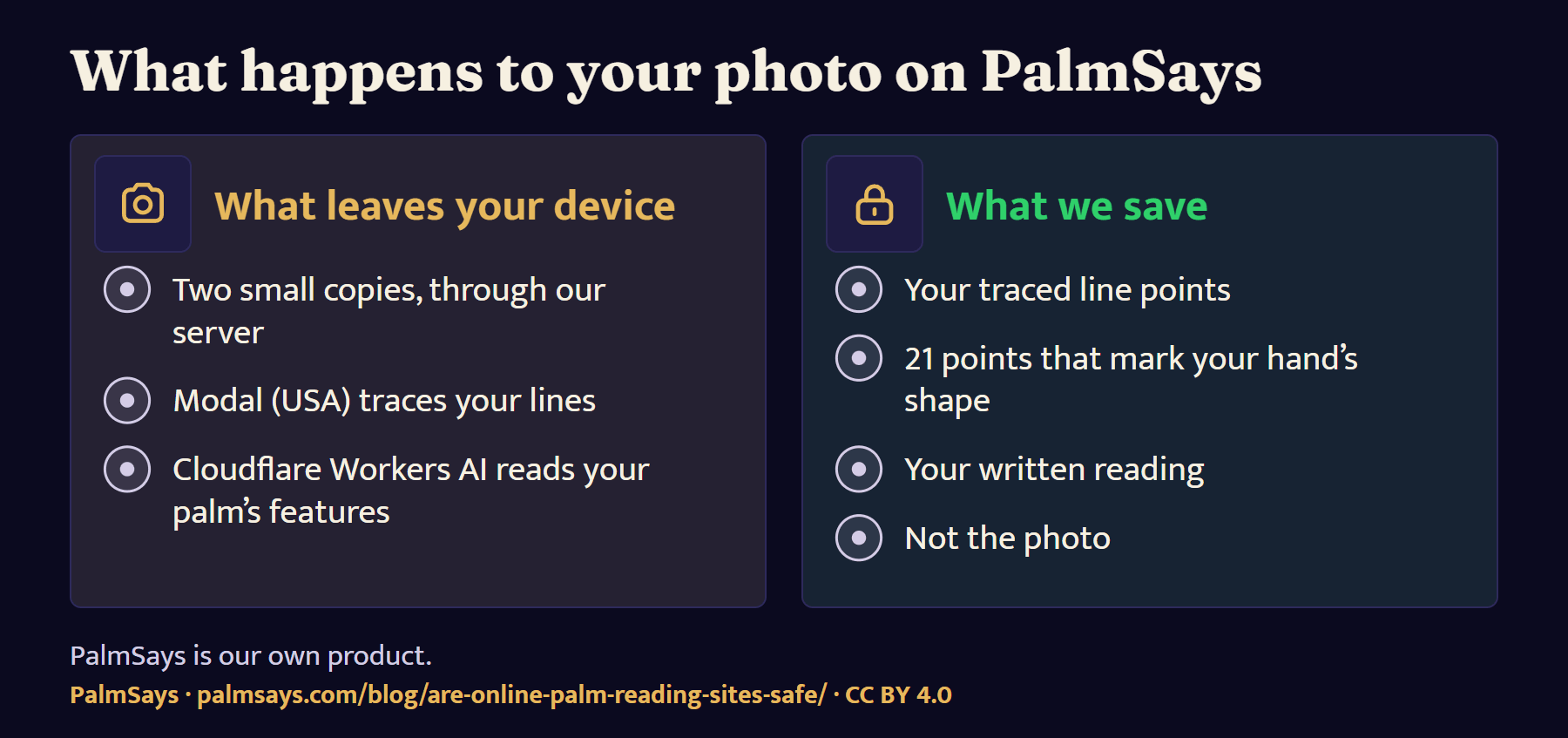
What happens to your photo on PalmSays?
Here are our own answers, so you can hold us to them. PalmSays is our product, and we are not neutral. These sentences come from the “What happens to my photo?” panel in our reading flow and from other pages of this site:
- “We analyse your photo and don’t store it on any server. A copy stays on this device.”
- “Before anything is sent, your browser makes the photo smaller and removes hidden data such as your location.”
- “Two small copies go through our server to two services. Modal (USA) traces your lines. Cloudflare Workers AI reads your palm’s features. Neither stores the photo.”
- “We save your traced line points, 21 points that mark your hand’s shape, and your written reading to your account, not the photo. You can delete them any time on the Account page.”
- “A copy of the photo stays in this browser so you can see your reading again. Clearing browser data removes it.”
- “If you sign up, we keep a one-way code of your email so the free reading can’t be repeated, even after you delete your account.”
- “A quick Cloudflare check (Turnstile) stops bots. Visits are counted with Google Analytics; in Europe and the UK, only if you say OK.”
- “We don’t sell your data, and there are no ads, ever.”
- “Readings are for people 18+”
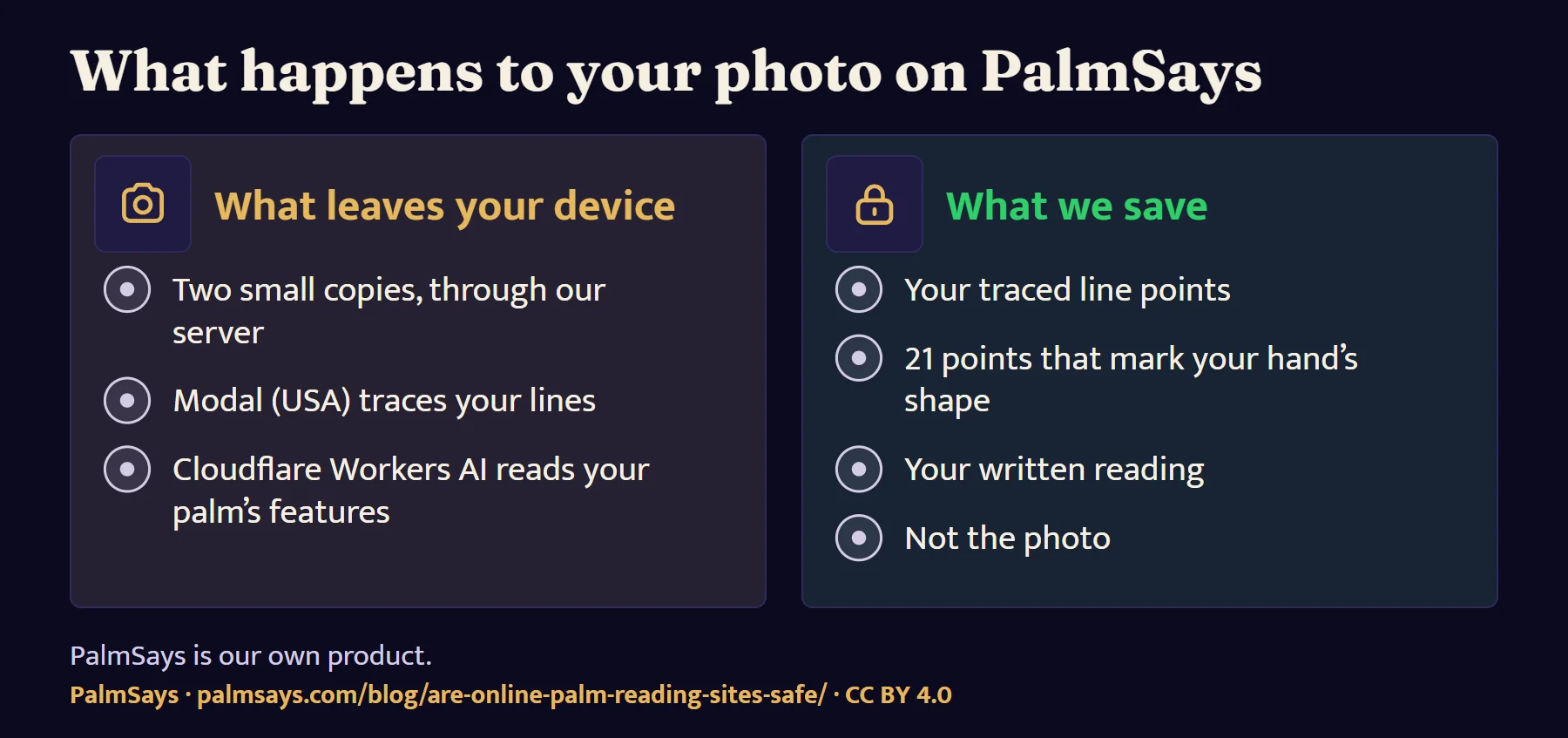
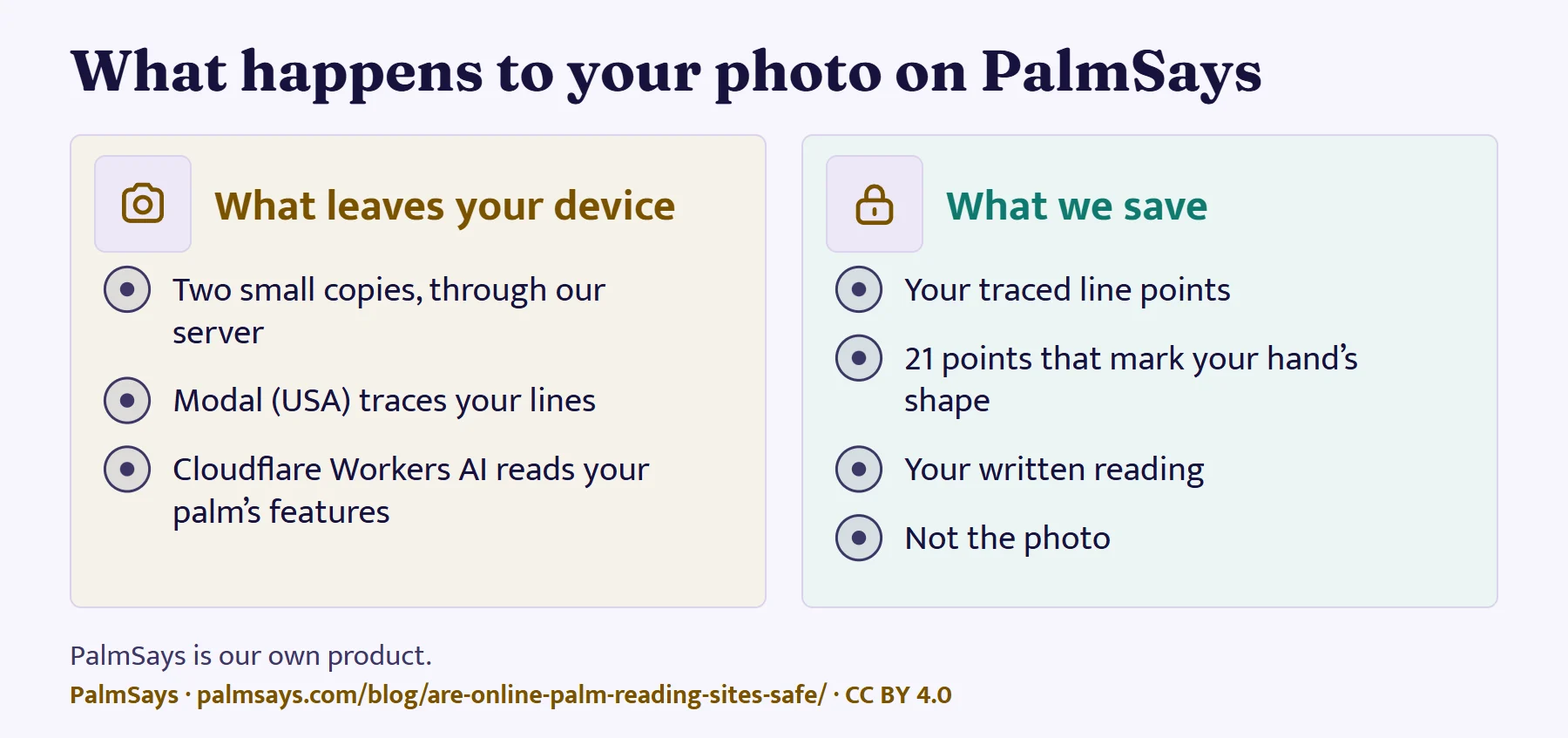
Notice what is kept. We save your traced line points and hand points, and those are about your palm. If that doesn’t suit you, don’t scan. Our privacy policy has the full list.
You can’t see from outside what any server keeps, ours included. Choose a site that states specific things, then decide whether you trust it.
Did you know?
- A palmist gave privacy advice in 1900. Cheiro told clients: “Never give your name under any consideration” (Cheiro’s Guide to the Hand, 1900). He wanted appointments made by numbers or letters.
- His reason was blackmail. He warned of “the practice of blackmailing clients”, where a so-called palmist collected personal details and later demanded money.
- Your phone may tag photos by default. Exif location tags are written when the picture is taken, often without the user knowing.
What can you check on your own phone in a minute?
Four things, before you upload anywhere:
- Check the address. Look at the site name before you upload. A link from a message may not be the site you think it is.
- Look at the frame. Keep only your palm in the photo. Leave out documents, screens, other people and anything with your name on it.
- Read the privacy page. Search it for the words “store”, “delete” and “third party”. See whether the six questions get answers.
- Try the delete option. If you make an account, find the delete button before you need it.
If our answers suit you, you can scan your palm. AI traces your lines; meanings come from a fixed rule set built from classical books.
Questions people ask
Is online palm reading safe?
It depends on the site. Look for a privacy page that names who gets your photo, what is kept and how to delete it. If a site can’t answer those, don’t upload.
Is it safe to upload my palm photo?
A palm photo is personal, so treat it like any photo of your body. Use a site that explains what happens to it. Keep rings, documents and other people out of the frame.
Can someone steal my identity from a palm photo?
We can’t give you a number for that risk. A hacker has claimed to copy a thumbprint from press photos, but we have not tested this on palm photos. So choose carefully who gets yours.
Are palm reading apps safe?
The same questions apply to apps. Also check what permissions the app asks for. Our comparison of palm reading apps covers named apps.
Does PalmSays store my palm photo?
Our upload line says: “We analyse your photo and don’t store it on any server. A copy stays on this device.” Our privacy policy has the full details.
Sources (5 books and studies)
- Federal Bureau of Investigation. Next Generation Identification (NGI). FBI, read on 5 November 2026.
- BBC News. Politician’s fingerprint “cloned from photos” by hacker. BBC.
- Wikipedia contributors. Exif. Wikipedia, read on 5 November 2026.
- Electronic Privacy Information Center (2021). FTC Orders Photo App to Delete Algorithms Built on Personal Data. EPIC.
- Cheiro, Cheiro’s Guide to the Hand (1900). The section on so-called palmists and on blackmailing clients.
Meanings on this page are written in our own words from these books. Books whose rights are unclear are used for facts only, never quoted. How we choose sources
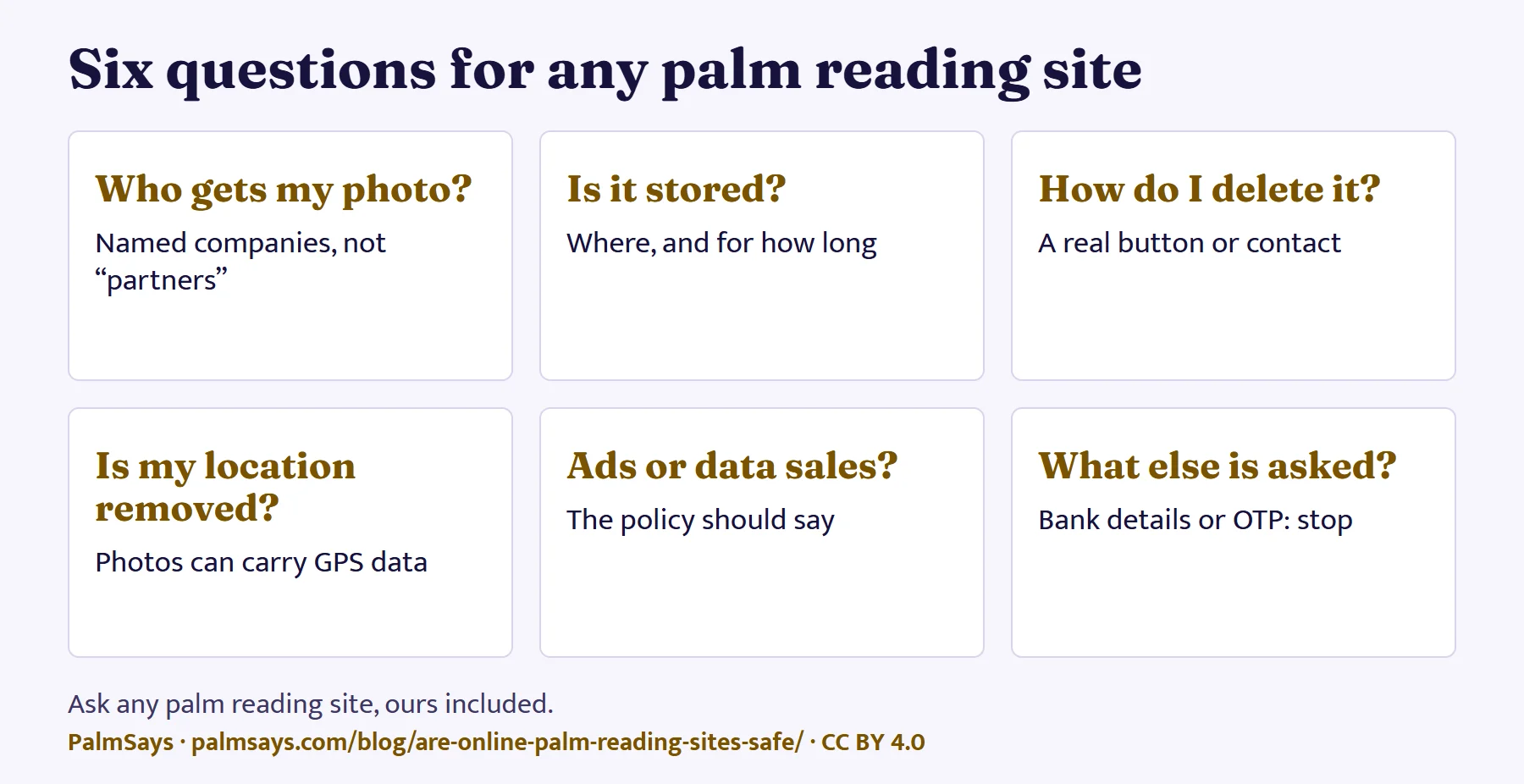
The diagrams in this post are free to reuse under CC BY 4.0 with credit to PalmSays (palmsays.com).Full-size diagram: Six questions for any palm reading site (PNG, 1800 × 926)Full-size diagram: What happens to your photo on PalmSays (PNG, 1800 × 847)
About the author
See your own lines
Upload one photo of your palm. We trace your lines and show what palmistry says about each one.
- Open palm
- Good light
- Whole hand in the frame
A phone photo shows the main lines and their breaks, forks and branches. Tiny marks such as stars and crosses are too small, so an honest reading leaves them out.
Coming soon on Google Play. The Android app is not on Google Play yet. This page will get the link the day it is.
The iPhone app isn’t ready yet. You can keep using this website.
Or see what the PalmSays palm reading app reads before you install it.
Keep reading
Palm beliefs
How do palm readers know so much about you?


Guides on this topic:How to read palm linesPrivacy policyPalm photo checkerAll blog posts